







Accessibility Overview
Status Legend
- Scheduled - Issue has been scheduled to be fixed in the target quarter
- Validation - We are waiting for our fix to be tested and validated by Level Access
- Partially Fixed - Issue has been partially resolved or the impact has been reduced
- Fixed - Issue has been fully resolved
1.3.1 Info and Relationships
Implicit Headings
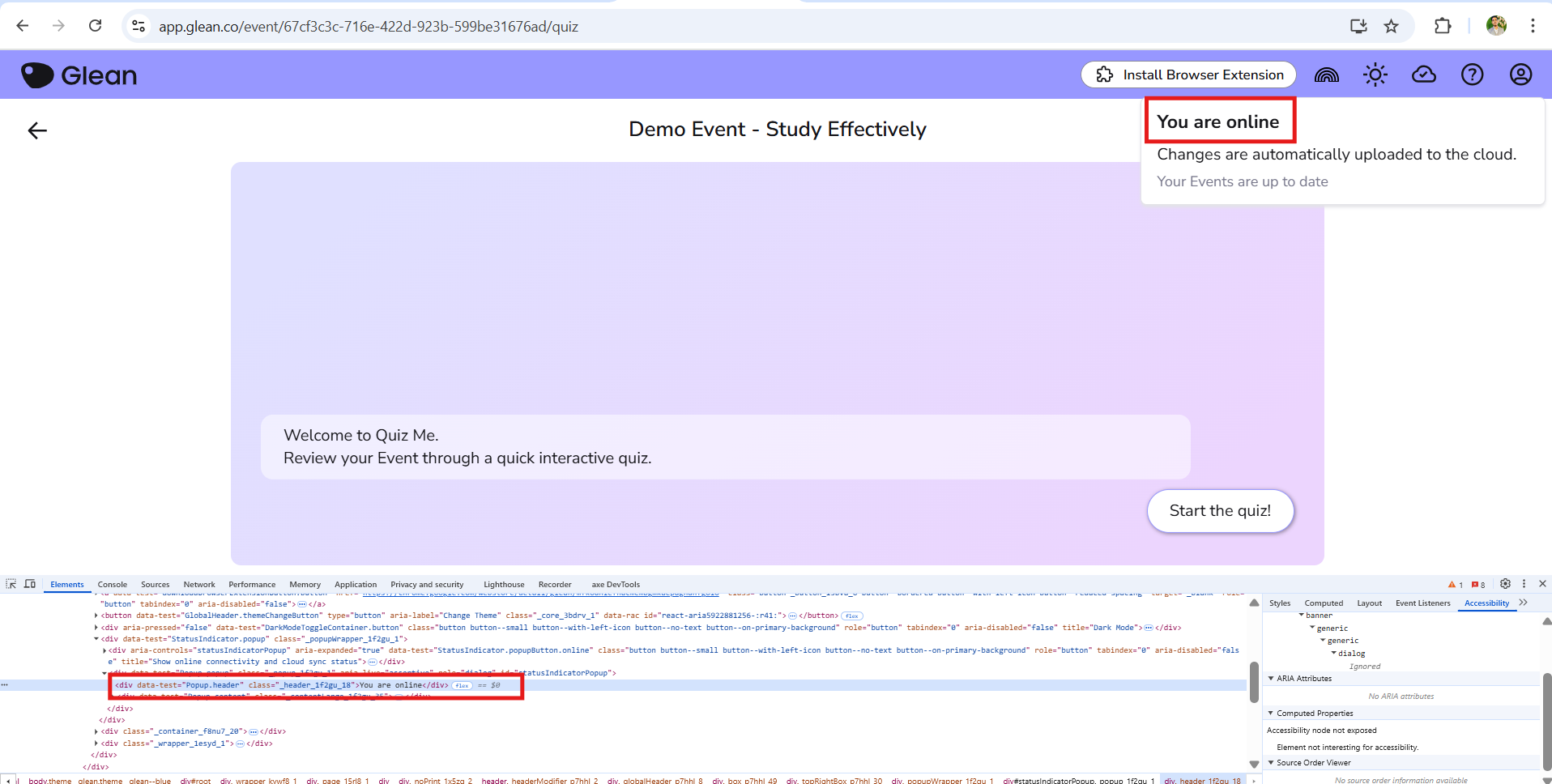
There is some content in Genio Notes which functions as a heading but is not marked up as a heading. This will make it harder for screen readers to navigate the page.
People affected;
- People using a screen reader
2.4.3 Focus Order
Dialog Opening Auto Focus
Most dialogs autofocus the first focusable element when opened, instead they should focus the dialog element itself. Focusing the first focusable element is useful for keyboard users, but forces screen reader users to navigate backwards to read the content. Furthermore a screen reader user may be unaware that a dialog is open since it is not announced.
People impacted;
- People using a screen reader
Dialog Closing Focus Restoration
Most dialogs do not restore focus correctly when closed causing focus to be lost and return to the beginning of the page. This is especially true of dialogs opened from a dropdown menu.
People impacted;
- People using a keyboard
- People using a screen reader
1.4.10 Reflow
Events Page
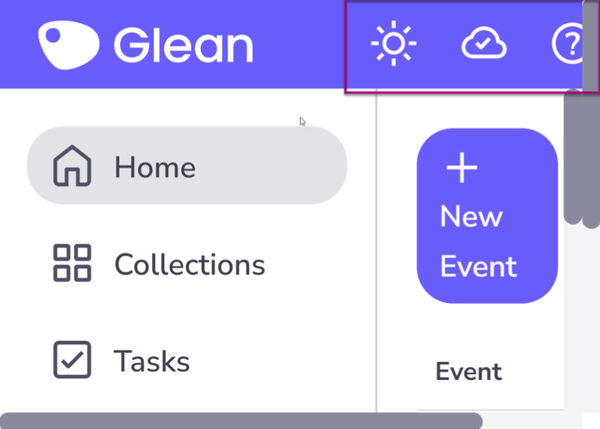
Some screens in Genio Notes do not reflow enough to support a screen width of 320 pixels.
This means that users of such small screens will need to use both horizontal and vertical scrolling to see and use all content. In some cases fields will be too small to see the full value if that value is long.
People impacted;
- People with low vision