




Genio Notes / Slide Annotations
Support Student Independence with Provided Study Notes
Built for learning, not convenience. Study Notes are structured using evidence-based techniques, grounded in the actual lecture content, and designed as the first step of the study process – not a learning shortcut.
What are Provided Study Notes?
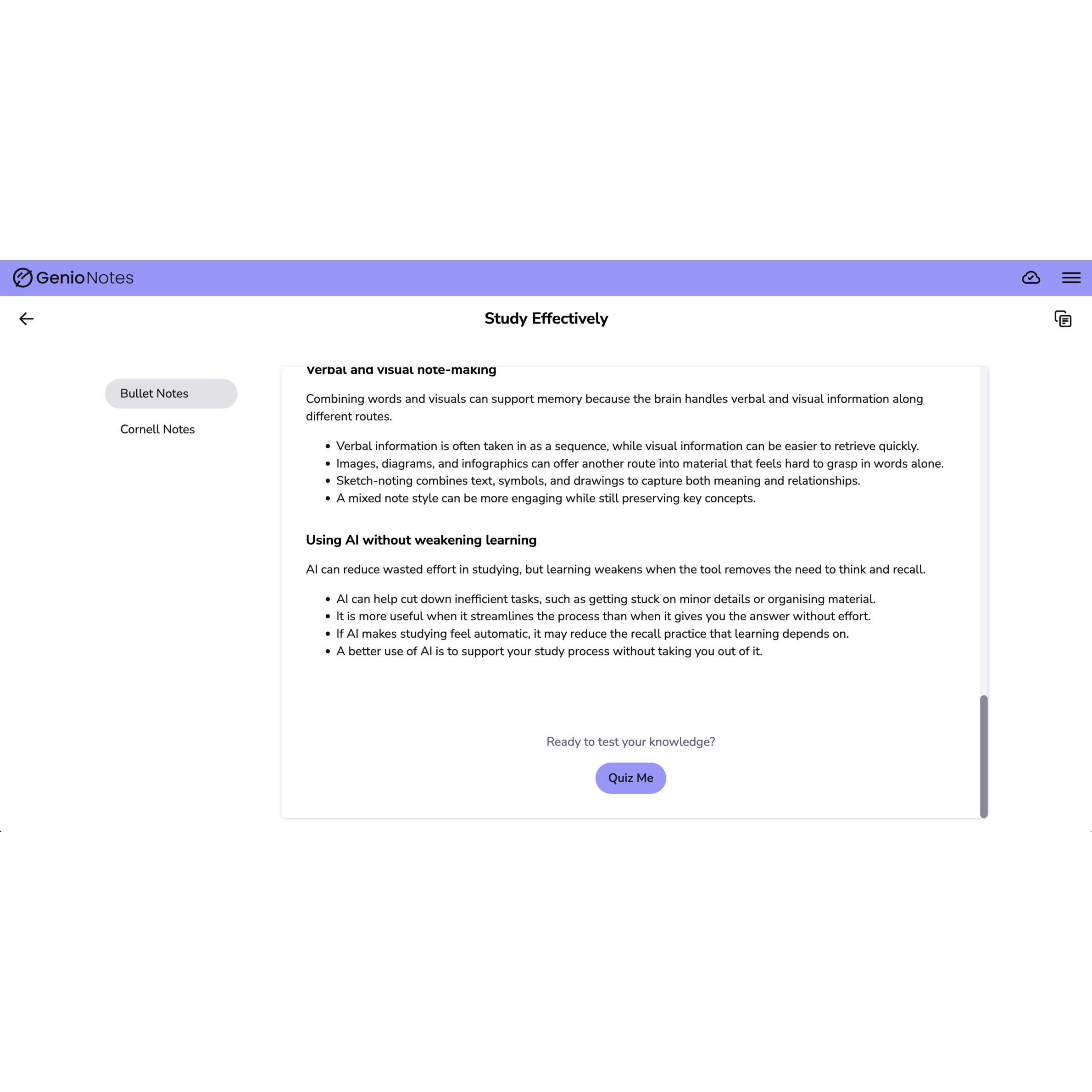
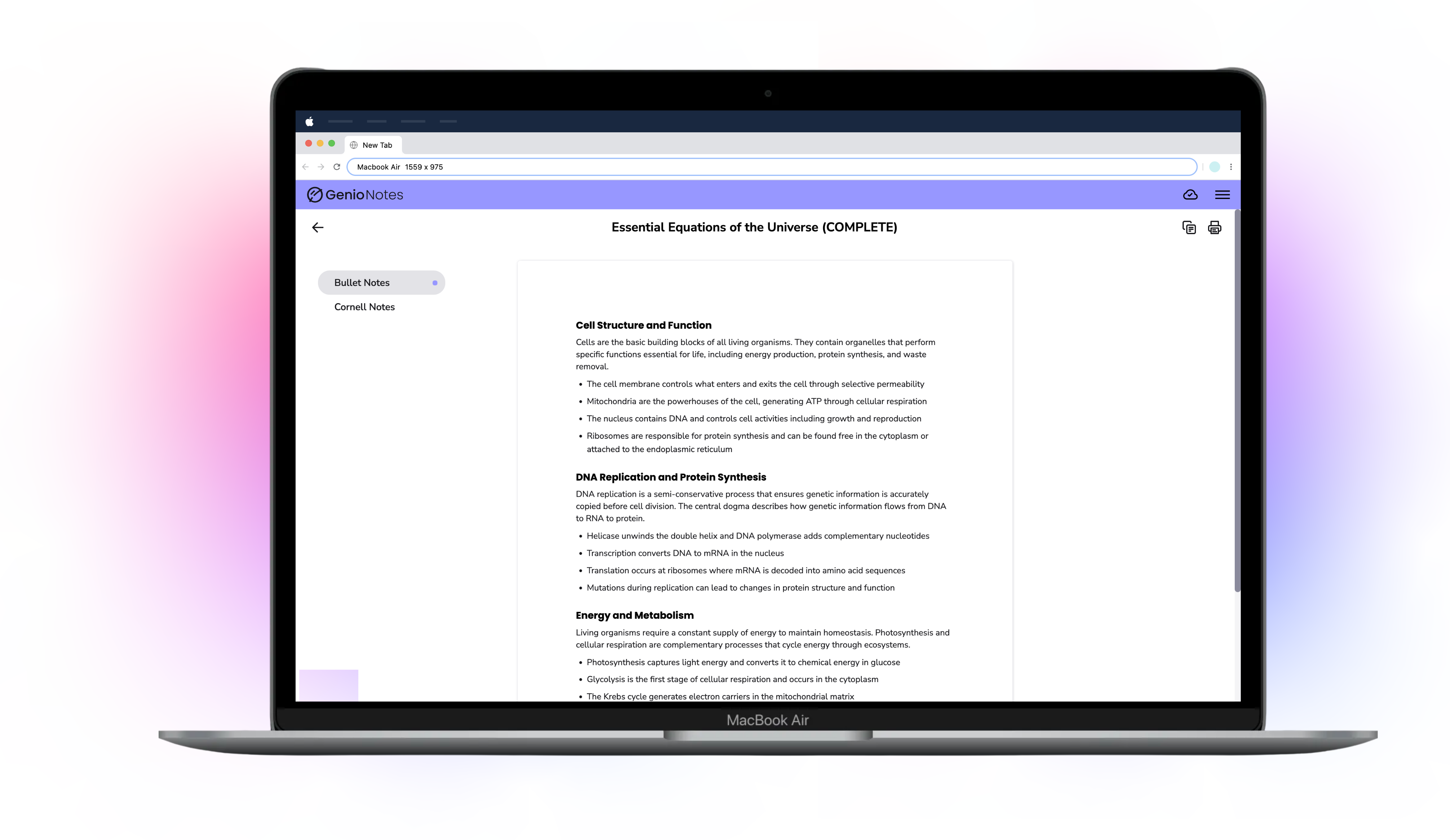
This new feature in Genio Notes generates a ready-to-use set of notes based on recording transcripts.
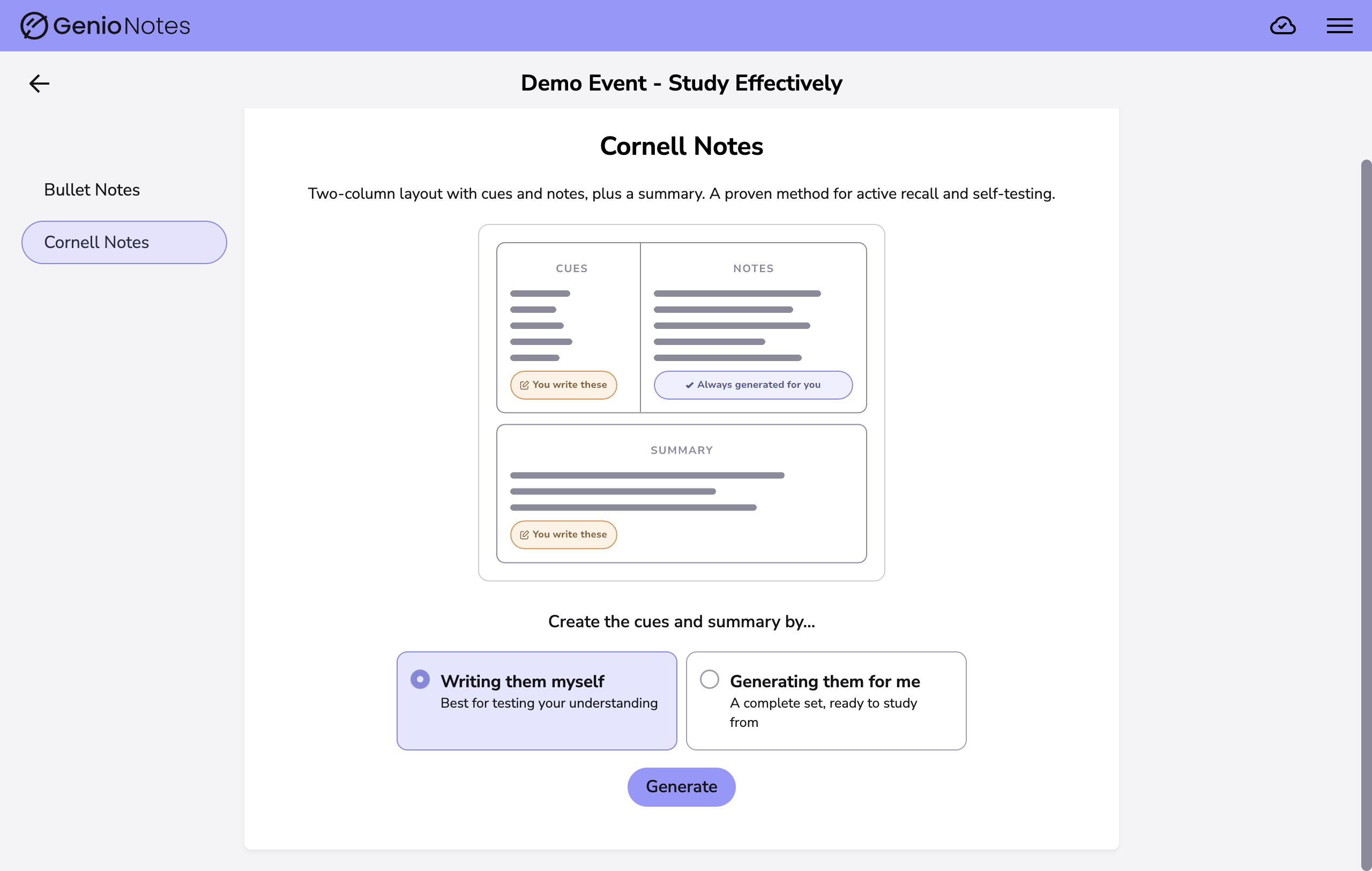
Our study notes are flexible to suit your learners’ needs. From rich content to Cornell notes to a simple bullet point list, there’s a note type to suit every learner instead of a rigid, one-size-fits-all template.
How do Provided Study Notes support learners?
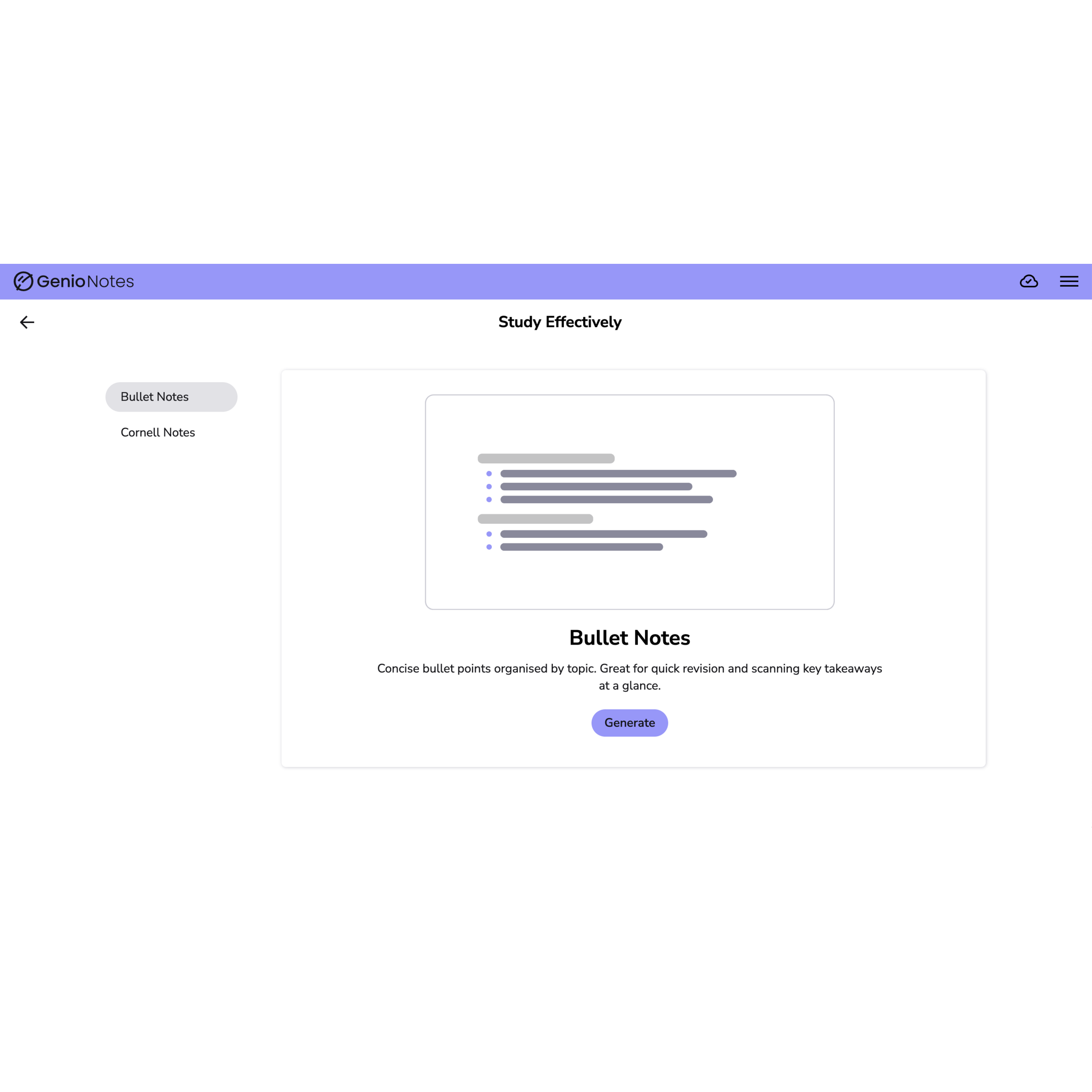
Students who can't capture notes independently receive a full set of notes, reflecting exactly what was said in class – no delay, no coordination, and no reliance on a peer note-taker.
This isn’t just a bullet-point summary. Provided Study Notes are informed by learning science and structured using techniques like the Cornell method to support encoding and recall.
Provided Study Notes give students a clear path to apply their knowledge. With Provided Study Notes, students can:
- Print for offline study
- Recreate from recall to reinforce learning
- Quiz themselves to test comprehension
Configure Access to Meet Student Needs
Don’t want certain learners using the feature? Switch it off at the click of a button.
We’ve added the Managed Features toggle to Genio Admin, to let you decide which of your students can use Provided Study Notes and our other AI features.
Our features are built around specific, identified student needs, that sometimes require more control to meet your institution requirements. Our features are offered to students by default, with the trust that they know their own needs better than anyone, and the reassurance that you can change access if you need to.
Genio supports learners at over 1,000 institutions globally
FAQs
Access to Provided Study Notes can be controlled at an organisation or a group level, using 'Manage Features' in Genio Admin.
At the moment, there is not an option to toggle it on and off for individual students.
There are two key ways that we are encouraging good learning habits with this new features:
Avoiding Fluency Illusion
Fluency illusion happens when learners misjudge how well they have mastered or understood familiar topics. A common culprit is the passive reading of study material, as this builds familiarity, but not recall and understanding.
Our provided study notes are a structured starting point to studying, content to be actively engaged with and to develop on , as opposed to a finished product designed to be read over and over again.
Evidence-Based Note Taking
Notes are structured using evidence-based note taking techniques, including the Cornell method, encouraging active engagement with the material rather than passive reviewinf. This is supported by research on active recall and retrieval practice, which finds that reconstructing information from memory produces stronger long-term retention than re-reading alone.
The feature will be available to all learners using an institution licenses (providing it is switched on) but it will not be available on individual licenses.
This is because we want the feature's availability and usage to be based on individual learner need, which requires admin controls.
If you have an institution license, you will be able to switch the feature on and off for learners at your institution.