





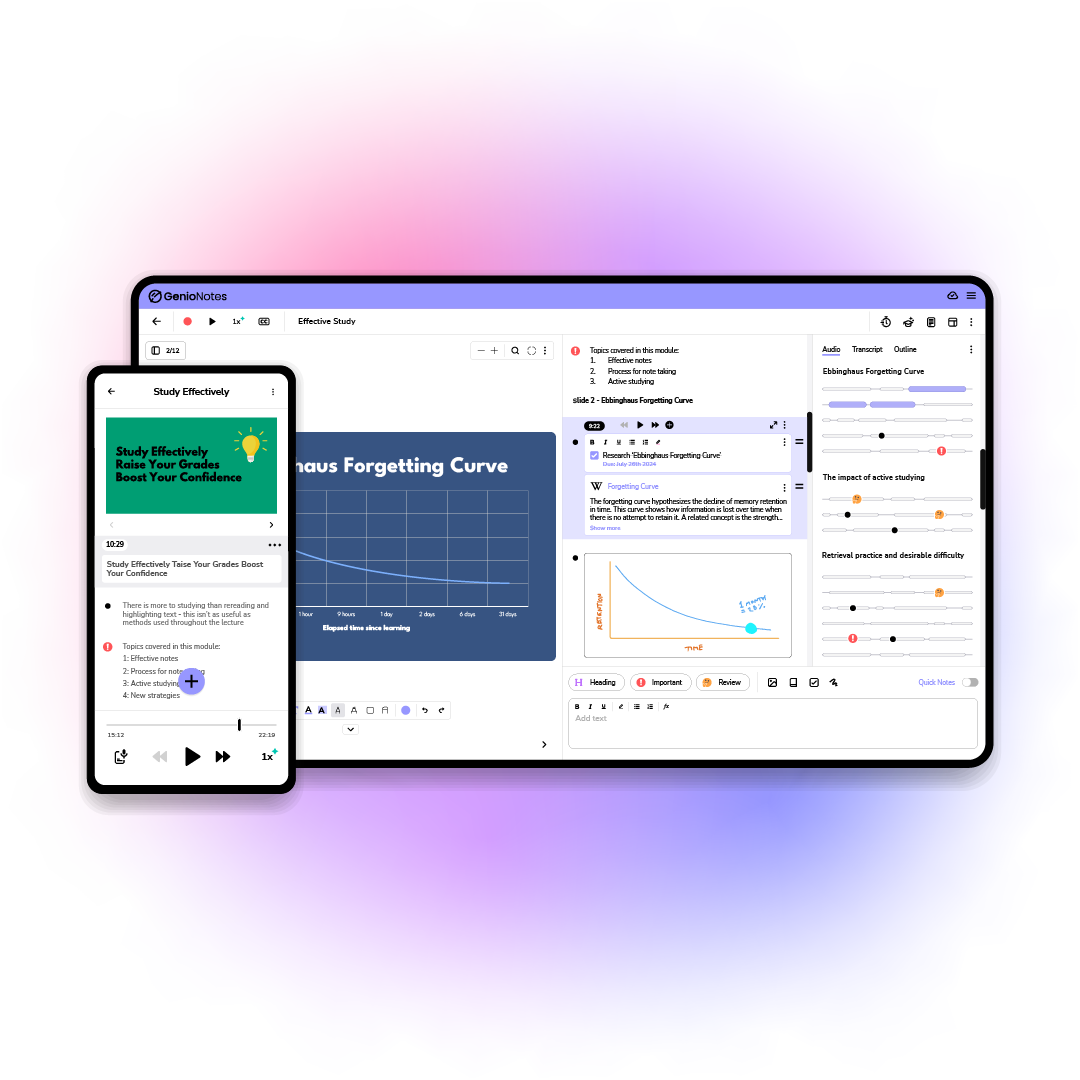

Which Genio Notes features do I have access to?
A handy guide so you know which features to expect depending on the version of Genio Notes you are using.

The features of Genio Notes differ slightly depending on the subscription you are on. If Genio is provided by your organization, they may also choose to customize which features you have access to.
Below you can see a breakdown of user features that differ based on your subscription and / or organization preferences.
| Feature | Organization Users |
DSA & ATW Users |
Individual Users |
| Outline | These features can be toggled on and off by your organization admins, so you may not see these in your version of the app. | ✅ Yes | ✅ Yes |
| Quiz Me | ✅ Yes | ✅ Yes | |
| Study Notes | 🚫 No | 🚫 No | |
| Video Capture | Available if your organisation has chosen an Institution Wide subscription | 🚫 No | 🚫 No |
| Live Captions | Only if your organisation has added this feature | Only if you have the Genio Notes + Captions Edition | 🚫 No |
Legacy Packages
If you are on a legacy package which is no longer sold, such as Genio Teams, you won’t have access to all new features, such as Transcription, AI study tools, and Scribble.
Page updated periodically, accurate as of August 25th, 2026
More from Product and feature guides
View AllRunning a student campaign

This guide is to help you and your team run onboarding email campaigns with your students, ensuring more get signed up to Genio Notes (and confident using it).

Genio Skills Portal
Find quick videos giving you an overview of the key functions of Genio Notes, and how to get the most out of your lectures with a structured note taking process.

How to record with Genio Notes
Whether you’re learning in class or online, recording is the foundation of your Genio Notes content.